

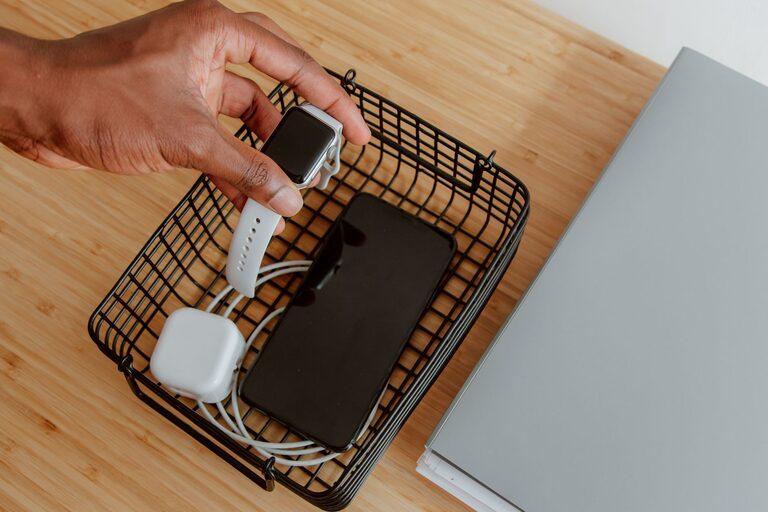
Setting up a dedicated charging station for your devices is a smart way to keep your electronics organized, powered, and ready to use. Whether you have smartphones, tablets, laptops, or other gadgets, a well-planned charging station reduces clutter and helps manage cables effectively. In this guide, we’ll walk you through the steps to create a functional and tidy charging station tailored to your needs.
Why Set Up a Charging Station?
Before diving into the setup, it’s helpful to understand the benefits of having a charging station:
– Reduces Clutter: Keeps cords and devices in one spot to avoid a tangled mess.
– Increases Device Accessibility: Charges multiple devices simultaneously, so everything is ready when you need it.
– Protects Devices: Reduces the risk of devices falling or getting damaged.
– Improves Aesthetics: Maintains a clean and organized space in your home or office.
Step 1: Choose the Right Location
Selecting a convenient and safe location is the first step.
– High Traffic Areas: Common spots include near your desk, kitchen counter, or a side table in the living room.
– Power Source: Ensure there’s easy access to electrical outlets to plug in your chargers.
– Stable Surface: Use a desk, shelf, or a small table that won’t easily tip over.
– Ventilation: Keep devices in a place where air circulates to prevent overheating.
Step 2: Select Your Charging Equipment
Depending on the number and types of devices you have, you’ll want to gather the appropriate chargers and accessories.
Consider These Options:
– Multi-Port USB Chargers: These chargers allow you to plug in several devices simultaneously, saving space and outlets.
– Wireless Charging Pads: Ideal for devices that support wireless charging; they reduce cable clutter.
– Charging Station Docks: Some docks are designed for specific device brands or types and can charge multiple devices in a compact space.
– Power Strips with Surge Protection: Protect your devices from power surges and offer multiple outlets.
– Cable Organizers: Clips, ties, or sleeves help keep cables neat and prevent tangling.
Step 3: Organize Your Cables
Cables can be the biggest source of mess in a charging station.
Tips for Cable Management:
– Label Your Cables: Use small tags or colored bands to identify each cable easily.
– Use Cable Clips or Holders: Attach these to the edge of the surface to keep cables handy but tidy.
– Wrap Excess Length: Avoid long dangling cables by coiling the extra length and securing it with velcro straps.
– Hide Cables: Use cable sleeves or channels to bundle and conceal cords.
– Keep Power Adapter Bricks Together: This keeps the station looking uniform and reduces clutter.
Step 4: Arrange Your Devices
Place your devices in a way that is both accessible and secure.
– Use Stands or Holders: Phone and tablet stands keep devices upright and visible.
– Allocate Specific Spots: Assign a dedicated spot for each device to avoid confusion.
– Mind Device Heat: Keep devices slightly spaced to avoid overheating during charging.
– Consider Device Usage: If you frequently use a device while charging, place it closer to where you sit or work.
Step 5: Maintain Your Charging Station
Regular upkeep helps keep your station efficient and clutter-free.
– Clean Regularly: Dust and wipe surfaces, chargers, and cables.
– Check Cables: Replace worn or damaged cables promptly.
– Update Equipment: Upgrade chargers if faster charging options become available.
– Review Device Needs: Add or remove equipment as your collection of devices changes.
Optional: Customize Your Charging Station
Make your charging area visually appealing and personalized.
– Add Decorative Elements: Small plants, framed photos, or artwork can enhance the space.
– Use a Charging Station Box: These boxes hide plugs and cords while allowing airflow.
– Color Coordination: Match cables and chargers to your room decor.
Example: Simple DIY Charging Station Setup
- Choose a small desk near an outlet in your living room.
- Place a 6-port USB charger on the desk.
- Attach cable clips along the back edge for each device’s cable.
- Use a wireless charging pad for your smartphone.
- Add a tablet stand next to the charger.
- Label cables with colored tape.
- Keep a small basket nearby for earbuds and accessories.
Final Thoughts
A charging station helps simplify your tech routine by keeping devices organized, visible, and ready to use. With a bit of planning and simple tools, you can create a customized space that fits your lifestyle. Whether you’re setting up a station for your home, office, or shared family space, the tips outlined here will help you enjoy clutter-free charging every day.
Remember, the key is to choose the right location, manage cables effectively, and maintain the station regularly. Happy charging!